Onboarding
Guided digital onboarding that takes a new hire from offer to first shift in one sitting. No printer, no mailed packet, no chasing signatures.
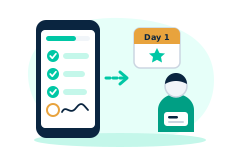
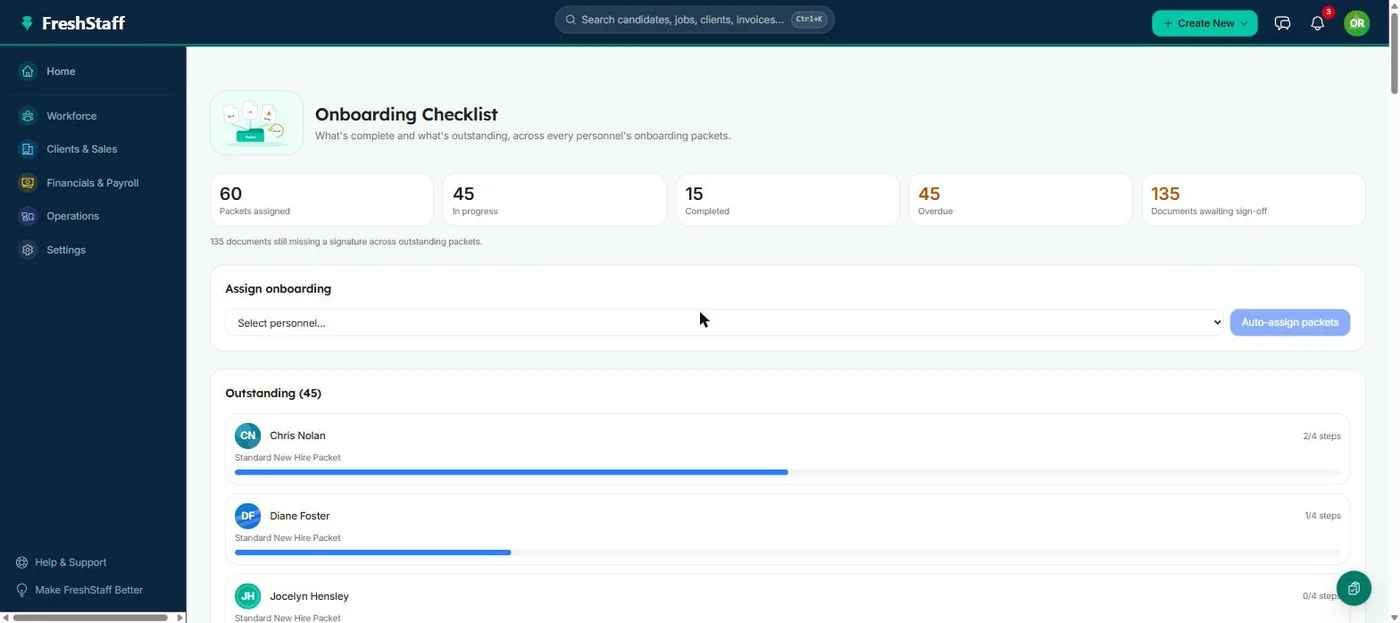
Onboarding is the first real test of how a staffing agency runs. It's where a candidate's excitement about a new placement either turns into a confirmed start date or fades while paperwork sits unfinished. FreshStaff's onboarding module walks a new hire through every document, compliance check, and signature in one sitting, on any device, while a recruiter watches progress happen in real time instead of waiting on mailed forms.
Why staffing teams need it
Staffing candidates are often talking to more than one agency for similar roles at the same time, so whoever gets a worker onboarded and confirmed first usually wins the placement, regardless of who reached out first. A candidate who has to print a packet, fill it out by hand, and mail or scan it back has plenty of time to lose interest, take another offer, or just forget. Speed at this exact stage turns directly into fill rate.
It's not only about speed either. A clunky onboarding experience is the first real impression a worker gets of the agency they just agreed to work for. A confusing paper process signals disorganization before someone's even worked their first shift, while a guided digital flow signals the opposite, that this is an operation with its act together. That matters for keeping people just as much as it matters for the initial fill.
How it stacks up against your old ATS
Most legacy ATS platforms treat onboarding as an afterthought, a place to attach a PDF, not a guided workflow. Getting a document signed usually means exporting it, emailing it, and tracking replies in a spreadsheet by hand. FreshStaff was built the other way around. Onboarding is its own structured thing with its own status, not a loose file attachment, which is what makes real time progress tracking possible at all.
That difference shows up the moment something goes wrong. In a legacy system, finding out why a new hire hasn't started yet means opening several disconnected tools and piecing together a timeline by hand. In FreshStaff, the answer is already sitting on the onboarding dashboard, because the system was built to know the answer at every point along the way, not just at the end.
Speed, accuracy, and compliance
Since every document in a packet is tracked on its own, a missing signature or an incomplete compliance form shows up right away as an open item, not three weeks later during a client audit. Guided data entry also cuts down on the typos that creep in when a recruiter retypes a candidate's handwritten form into the system by hand.
Speed and accuracy usually trade off against each other in manual processes. Moving faster usually means cutting a corner somewhere. Guided onboarding is one of the rare places where both get better together. The same digital flow that gets a new hire started faster is also the one making sure every required field actually gets filled in before it lets them finish.
How it connects to the rest of FreshStaff
Onboarding is the handoff between the applicant pipeline and an active placement. Finishing it is what moves a candidate into Personnel and makes them eligible for a job assignment. It also feeds Compliance (I-9 and W-4 status), Analytics (onboarding completion rate), and Automation (rules that fire when a packet's done, like notifying a recruiter or updating a candidate's status automatically).
That connective role is on purpose. Onboarding was built as the seam between recruiting and an active workforce, not a standalone checklist. A recruiter working the pipeline, a coordinator watching compliance, and an owner checking completion rate analytics are all looking at different views of the same onboarding data, updated the moment a step gets finished.
How It Works
- 1
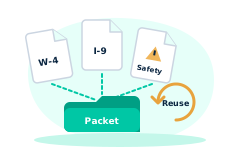
A recruiter assigns a document packet to a new hire, either from the applicant pipeline or during a walk in intake.
- 2
The new hire fills out personal information and works through each document in the packet at their own pace, on any device.
- 3
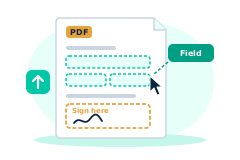
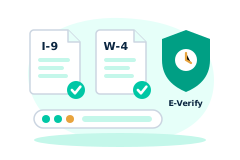
Required fields get signed in place. Compliance documents like I-9 are checked as they're completed instead of afterward.
- 4
The recruiter sees live progress on the onboarding dashboard and gets notified automatically once the packet is fully signed.
- 5
A completed packet marks the onboarding session done and the worker becomes eligible for placement.
Why It Matters
Onboarding is where staffing agencies lose the most candidates. Every extra day between an offer and a confirmed start date is a day someone can change their mind or take another offer. Cutting that window from days to hours is one of the most effective changes a staffing agency can make to its fill rate.
It's also where compliance risk builds up. Missing I-9 paperwork or an unsigned handbook acknowledgment is exactly the kind of gap that shows up during a client audit or a labor investigation, at the worst possible time. Tracking onboarding as a real time process turns that risk from a quarterly scramble into something that's just true every day.
In the product
Onboarding in FreshStaff
How Onboarding Compares
| Capability | FreshStaff | Legacy ATS | Manual Processes |
|---|---|---|---|
| Time to complete onboarding | Same day, guided flow | Days, PDF attachments | Days to weeks, mailed paper |
| Compliance document tracking | Per document, real time | Manual spreadsheet | Filing cabinet |
| Signature turnaround | Minutes | Email back and forth | Printed and mailed |
| Visibility into stalled onboarding | Live dashboard | Ask the candidate | No visibility |