FreshStaff
Built In, Not Bolted On

One AI Layer, Running Underneath Every Screen

The same Copilot that prioritizes your day and drafts your workflows also designs, evolves, and safety-checks your dashboard’s theme. Same safety limits, same human review, same $149/mo base.

In short

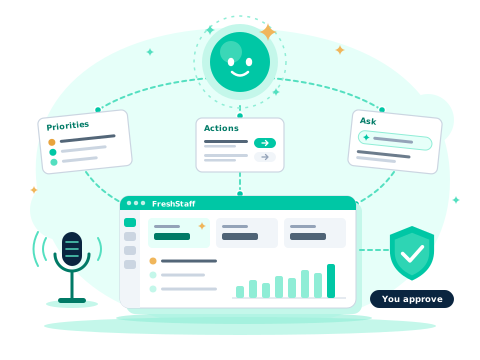
FreshStaff’s AI runs on two layers built the same way: an ATS/Copilot layer that prioritizes, acts, drafts workflows, and audits its own actions, and a Branding layer that designs, evolves, and contrast-checks your theme. Every AI-generated result, a workflow draft, an autonomous action, or a theme pack, is reviewed and confirmed by a person before it becomes real.

safety-controlledhuman review before applyautonomous ATSAI theme generation

How It Works

Every AI feature in FreshStaff follows the same shape: it proposes, it never quietly acts alone. Copilot recommends a priority, drafts a workflow, or generates a theme pack; the Action Scheduler and Accessibility Advisor check it against real safety limits (conflict resolution, contrast thresholds, structural safety); and a person reviews the result before anything ships or executes. The parts that genuinely run on their own, like ATS Intelligence’s scheduled actions, still write to a tamper-proof audit trail and can catch and recover from a failure without a recruiter ever seeing one.

Why It Matters

AI that can act without oversight is a liability in a regulated, compliance-heavy business like staffing. AI that requires a person to manually build every input from scratch never gets used. The safety-controlled middle ground, real drafts and real proposals, checked and reviewed before they become real changes, is what makes FreshStaff’s AI something a branch can actually trust with its day-to-day operations and its brand.

The ATS/Copilot Layer

Copilot & Automation

Prioritizes your day, drafts your workflows, and schedules and audits its own autonomous actions.

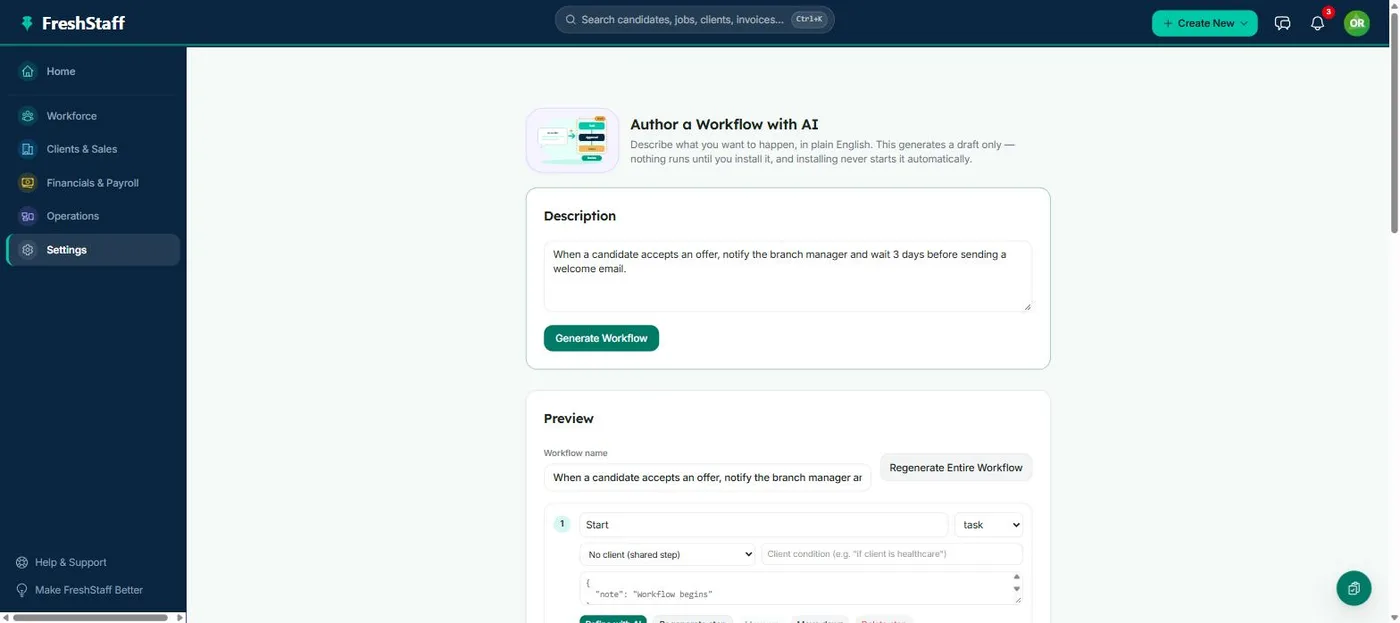
FreshStaff Copilot Workflow Builder: describing a workflow in plain language.

Copilot Workflow Builder

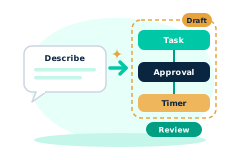
Describe a workflow in plain language and Copilot drafts the steps.

  • Turns a typed instruction into a named, ordered sequence of task/approval/timer steps
  • Nothing runs or saves until you review the draft and confirm it yourself
See it in action →
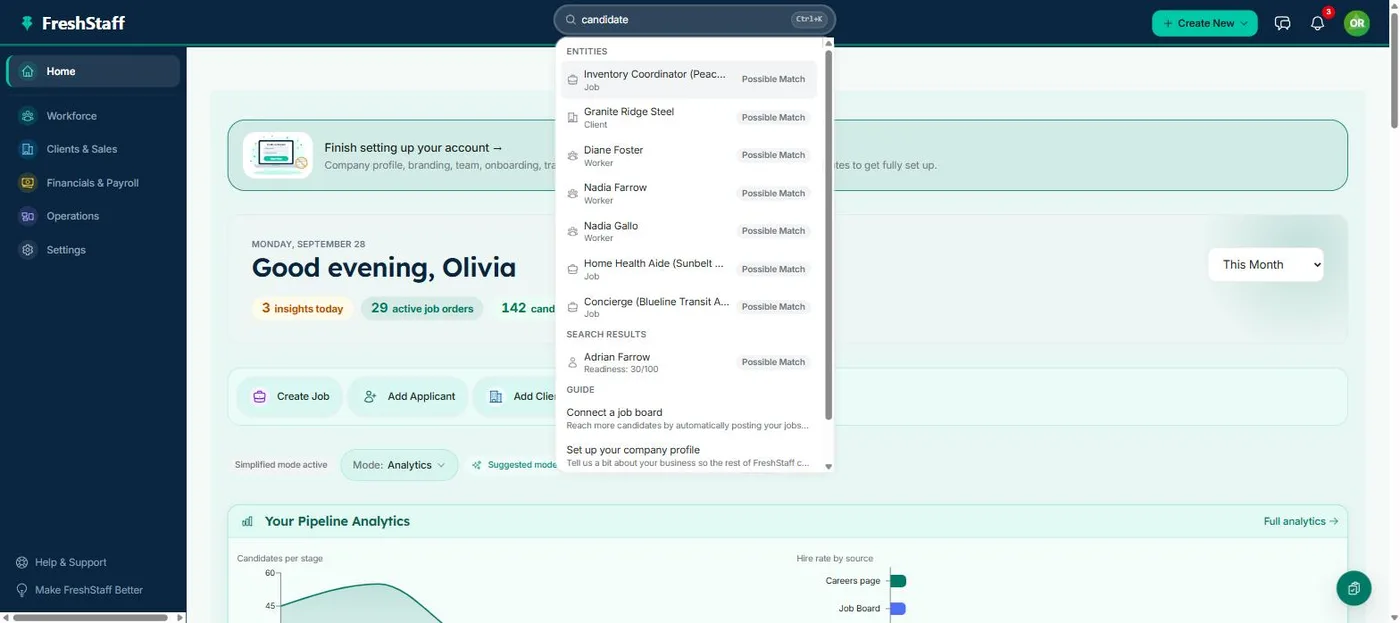
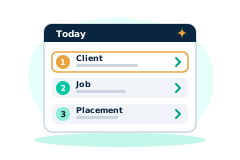
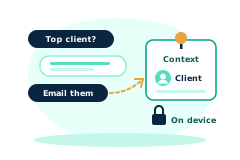
FreshStaff Smart Command Bar: the ⌘K overlay showing navigation, entities, and Copilot guide prompts.

Smart Command Bar & Voice Input

One input for navigation, search, and natural-language questions, typed or spoken.

  • ⌘K from anywhere, jumps straight to a client, job, or placement by name
  • Speak the command instead of typing it; same routing either way
See it in action →
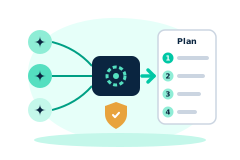
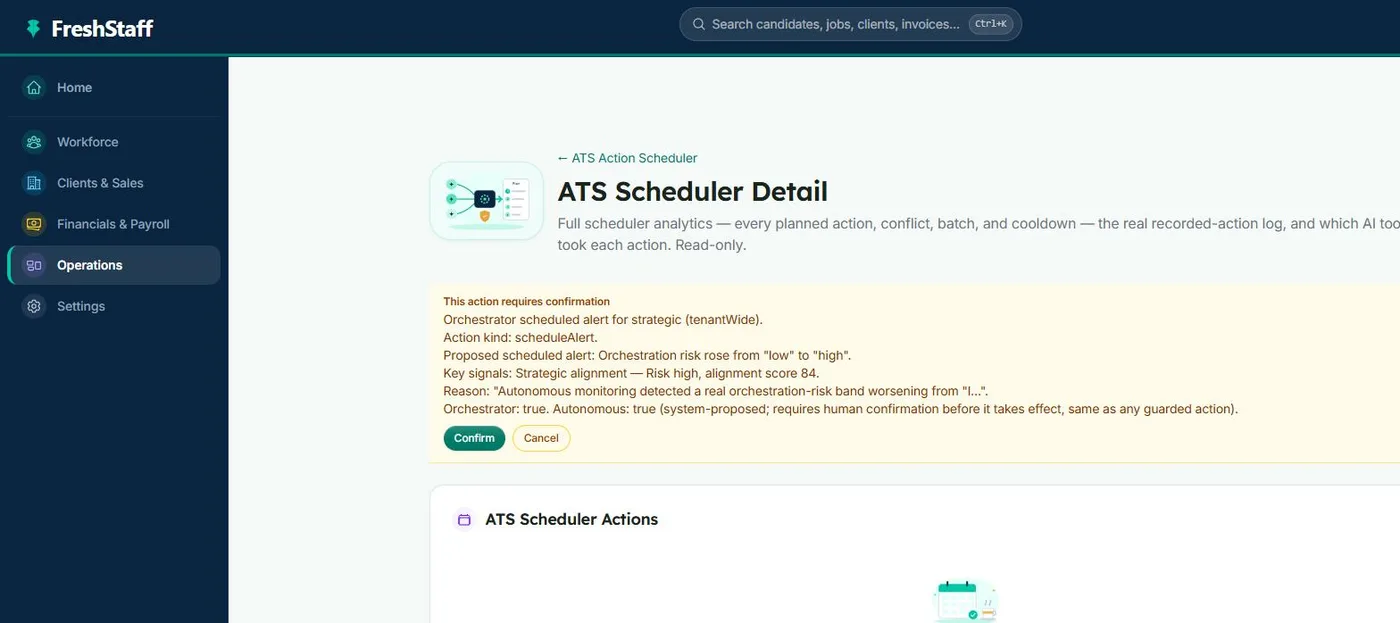
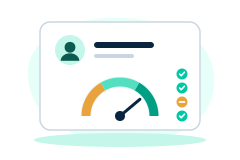
FreshStaff ATS Intelligence: the Autonomous ATS Action Scheduler summary.

ATS Intelligence

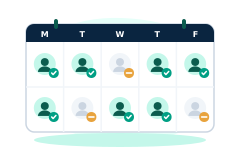
Software that watches your ATS around the clock, catches problems automatically, and fixes them within limits you set.

  • Combines every AI feature's recommendations into one clear plan, without contradictions
  • A tamper-proof record of every automatic action, plus automatic problem-catching and safe fixes
See it in action →

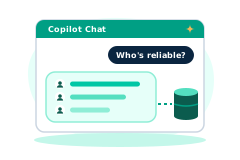
Also part of this layer: Copilot Priorities & Actions, Copilot Conversations & Memory, and Reliability & Availability Intelligence.

The Branding Layer

AI Branding & Theming

Designs, evolves, mutates, and merges your dashboard’s theme, contrast-checked at every step.

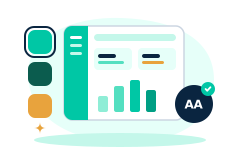
FreshStaff AI Theme Designer: live light/dark preview beside the generator panel.

AI Theme Designer

Generate or hand-edit a fully branded theme, with automatic readability/contrast checking.

  • One click generates a full pack from a single starting color
  • Every color pair is checked for contrast before you can publish
See it in action →
FreshStaff Theme Pack Marketplace: trending and official packs with ratings.

Theme Pack Marketplace

Official and community theme packs, rated and safety-checked, one click from installed.

  • Every install runs the same safety check the Designer runs on publish
  • Per-pack analytics: install counts, rating distribution, version history
See it in action →
FreshStaff AI Brand Evolution: the Pack Evolution & Learning panel.

AI Brand Evolution

Evolve, tweak, or merge your theme pack, with full version history and style trends from other agencies.

  • 8 ways to tweak your theme, from color and motion to an accessibility-first pass
  • Every generated pack keeps its full version history, never a black box
See it in action →