
Client Portal
Give your clients a direct view into their job orders, applicant reviews, and active placements. No status update phone call required.
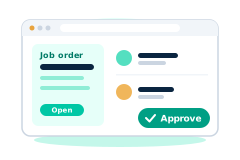
A staffing client's most common question is basically 'where do things stand?' Answering that one phone call at a time doesn't scale as an agency takes on more clients. FreshStaff's client portal gives each client its own login to check job orders, review applicants, and see active placements, so the answer is always right there. It's the same kind of service a great account manager already provides, just available any time of day instead of only during business hours, and it works just as well whether an agency has five clients or fifty.
Why staffing teams need it
Every status update call a recruiter takes is time not spent finding or placing candidates. Clients also like checking things on their own schedule instead of waiting for a callback. A self-service portal makes both sides happy at once.
Clients don't all want updates at the same pace either. Some want a daily look, others just check in before a monthly review. A portal like this covers every one of those preferences without a recruiter having to guess who wants what and when.
How FreshStaff builds it
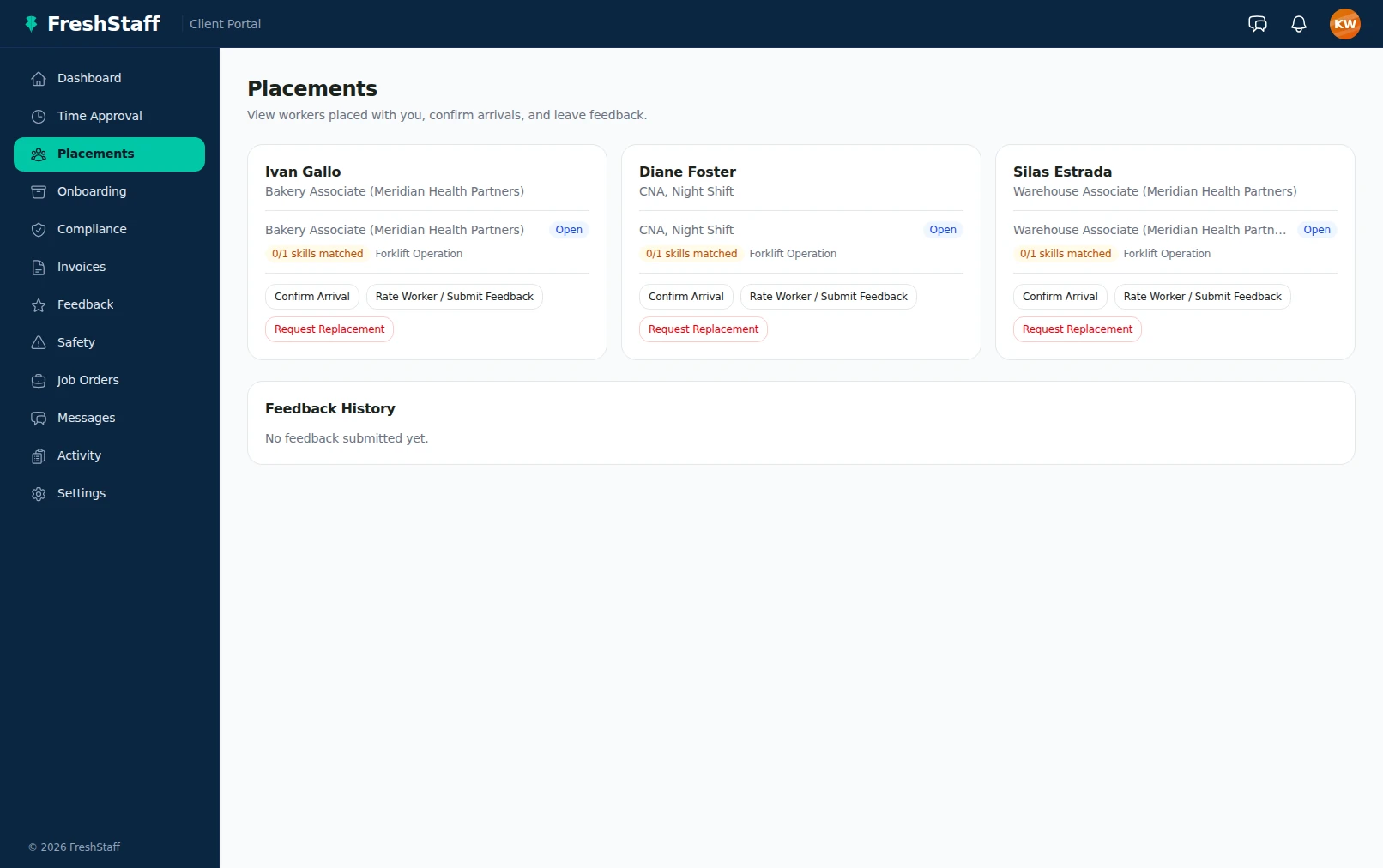
Each client gets its own portal login, scoped strictly to its own data. From there, a client contact can see open job orders, review submitted applicants directly, and check on every active placement, all without asking a recruiter to pull that information together by hand.
Access is scoped per client account, so a client only ever sees its own job orders, applicants, and placements. Never another client's information, even though the same agency and the same platform serve everyone.
Fast, accurate, and audit ready
Because the portal reads from the same records staff update, there's no lag between a placement happening and a client being able to see it. That kind of immediacy builds trust. A client who can check status themselves, accurately, any time, doesn't have to wonder if they're getting the full picture.
That trust builds up over the life of a client relationship. A client who's never caught the agency's numbers disagreeing with reality has a lot less reason to second guess anything else the agency tells them.
How it connects to the rest of FreshStaff
The client portal's job order list reflects the same Jobs data staff manage internally, applicant review pulls from the Candidates pipeline for that client's job orders, and the placement dashboard reflects live Placements data, including anything Automation triggers, like a client notification when a new applicant matches an open role.
That means the client portal never needs its own separate pipeline to stay current. Every module it draws from is already the single source of truth for that data internally, so keeping the client's view accurate happens automatically, not as one more thing to maintain.
How It Works
- 1
A client gets portal access scoped strictly to their own job orders and placements.
- 2
The client logs in and sees their open job orders right away, no need to ask a recruiter.
- 3
Submitted applicants for each job order get reviewed directly in the portal.
- 4
Active placements show up on a dashboard the client can check any time.
- 5
Any update a recruiter makes internally shows up in the client's view immediately.
Why It Matters
Trust in a staffing relationship comes from transparency. A client who has to ask for basic status updates starts wondering what else isn't being shared. Direct, accurate self-service access clears that up entirely.
Every status call a recruiter doesn't have to take is time that goes back into sourcing and placing candidates. At scale, that adds up to real capacity an agency didn't have to hire for.
In the product
Client Portal in FreshStaff
More of Client Portal
How Client Portal Compares
| Capability | FreshStaff | Legacy ATS | Manual Processes |
|---|---|---|---|
| Client self-service | Direct portal access | Static report, if any | Phone or email only |
| Data freshness for clients | Live | Periodic export | Whenever someone calls |
| Applicant review | Right in the portal | Emailed resumes | Emailed resumes |
| Recruiter time spent on status updates | Minimal | Moderate | High |
Keep Exploring
All 29 features →
ATS Intelligence
Watches your ATS around the clock, catches problems automatically, and fixes them within limits you set.
Learn more →
Voice Broadcast Response Capture
Call hundreds of candidates about a job offer at once, and let them answer with a single keypress.
Learn more →
Client Intelligence Hub
GPS auto-capture, territory heatmaps, route planning, and an AI sales assistant for field reps.
Learn more →