FreshStaff

See FreshStaff, Screen by Screen

Real, authenticated screens from the platform: Command Center, Applicant Pipeline, Job Posting, Branch Management, and Mobile.

app.freshstaff.net/dashboard

In short

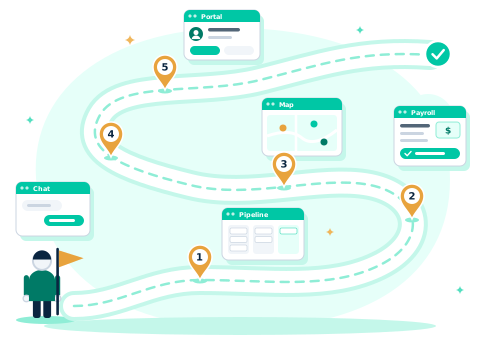
This tour covers 5 real screens in FreshStaff: the Command Center daily briefing, the drag-and-drop Applicant Pipeline, creating and syncing a Job Posting, Branch Management insight, and the Mobile app your field team uses, all in one platform with no per-recruiter seat fees.

command centerapplicant pipelinejob postingbranch managementmobile
1

Command Center

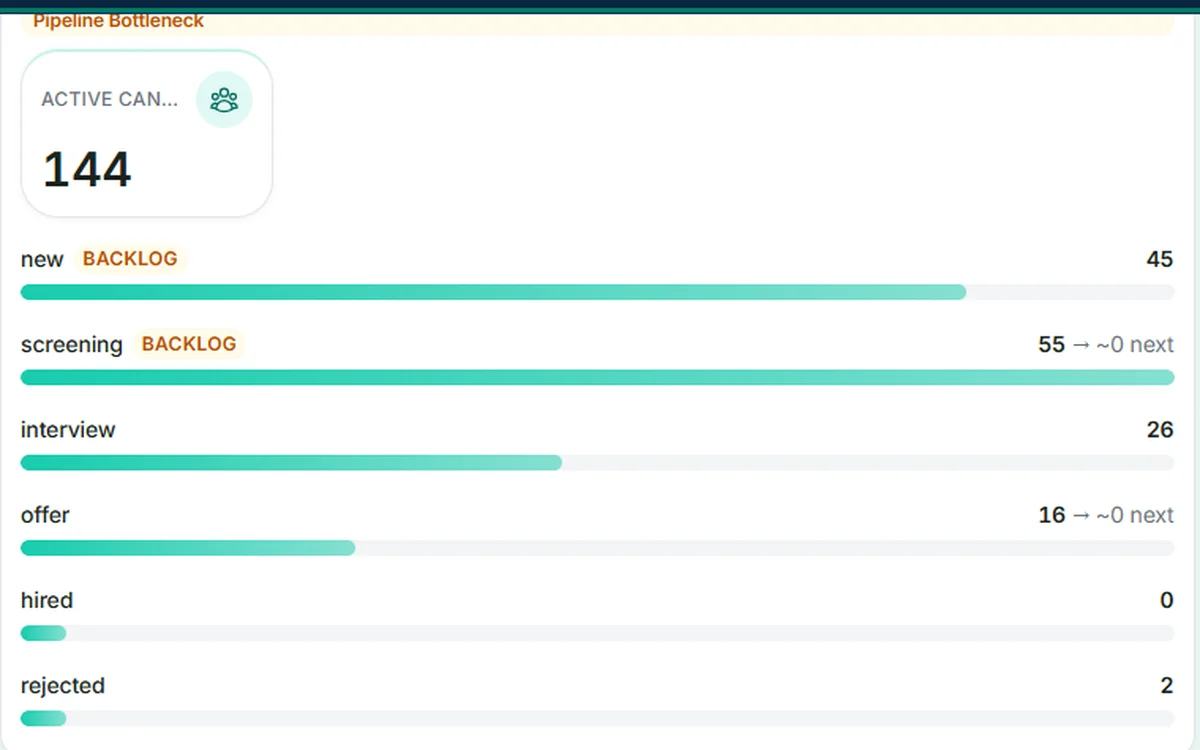
Your agency's daily briefing — pipeline bottlenecks, stage backlog alerts, and priority actions surfaced automatically.

Next
FreshStaff Command Center: candidate funnel with an automatically flagged pipeline bottleneck and priority actions.
2

Applicant Pipeline

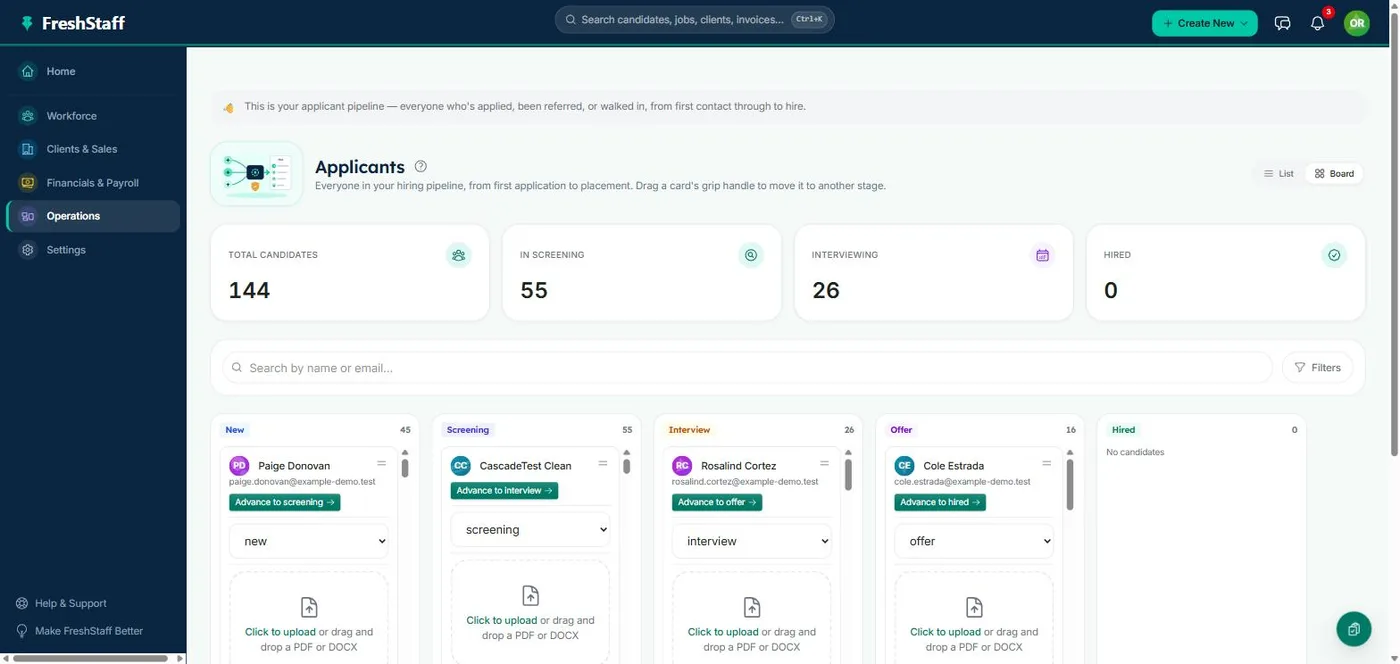
Drag-and-drop ATS built for staffing workflows — candidates never fall through the cracks.

Next
FreshStaff Applicant Pipeline: candidates in New, Screening, and Interview stages on a drag-and-drop board.
3

Job Posting

Create a job once. FreshStaff keeps it synced across every board you use.

Next
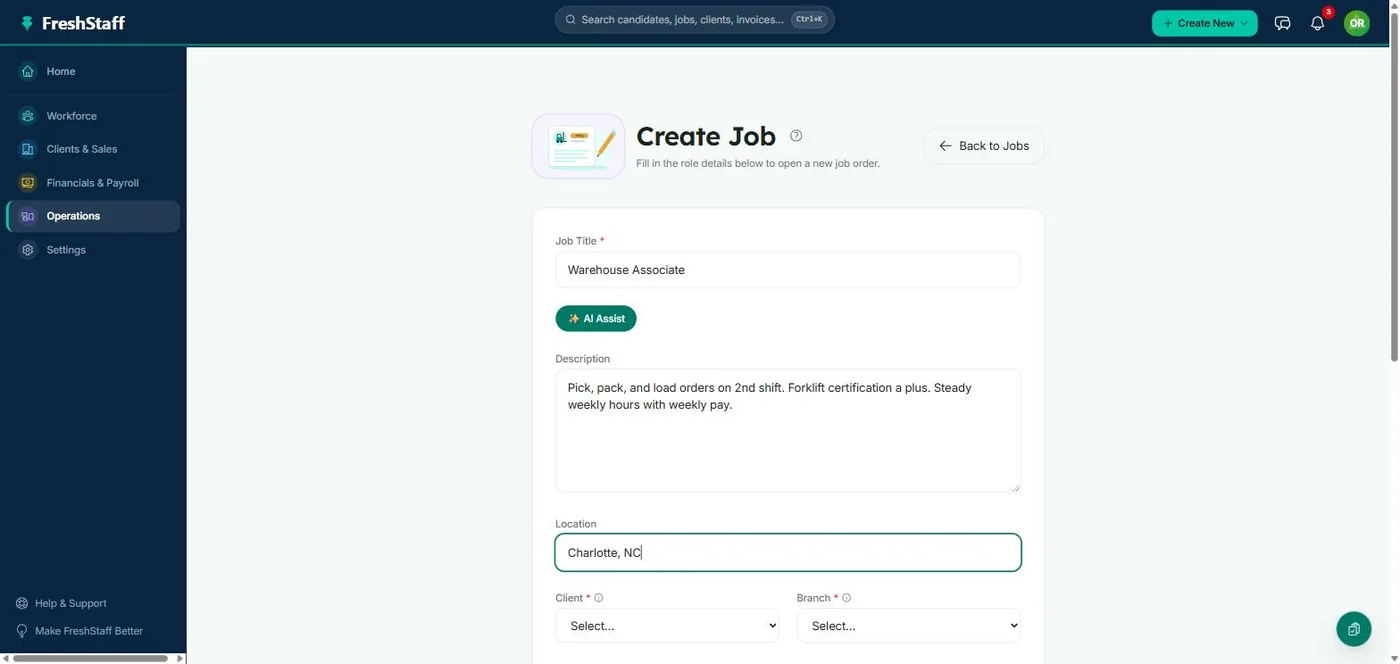
FreshStaff Create Job form, filled in with a role title, description, and location.
4

Branch Management

Branch-level insight that scales with you — performance, bottlenecks, and operational health in one place.

Next
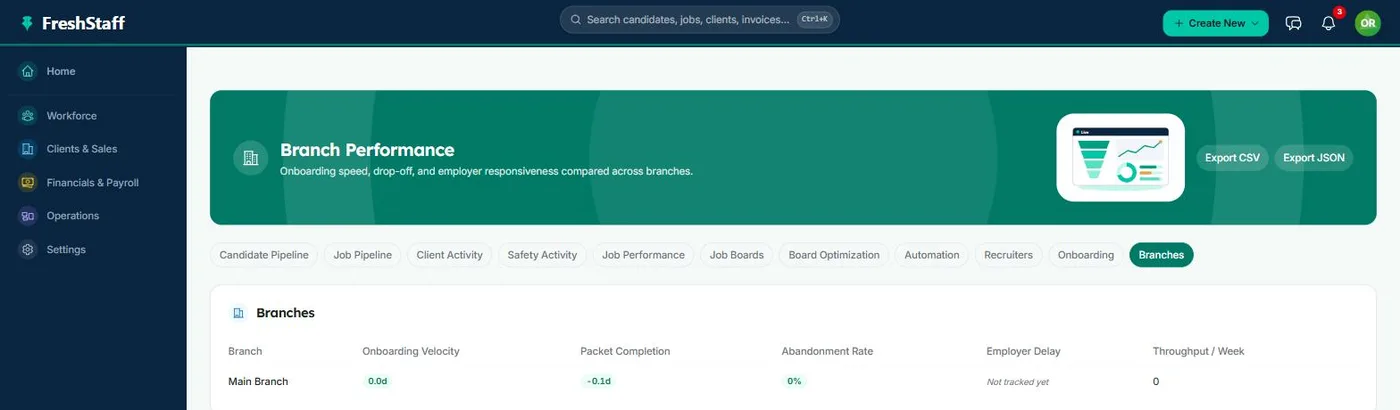
FreshStaff Branch Performance: onboarding velocity, packet completion, abandonment rate, employer delay, and weekly throughput per branch.
5

Mobile

Your field team's command center — quick actions, shift tools, and onboarding from any phone.

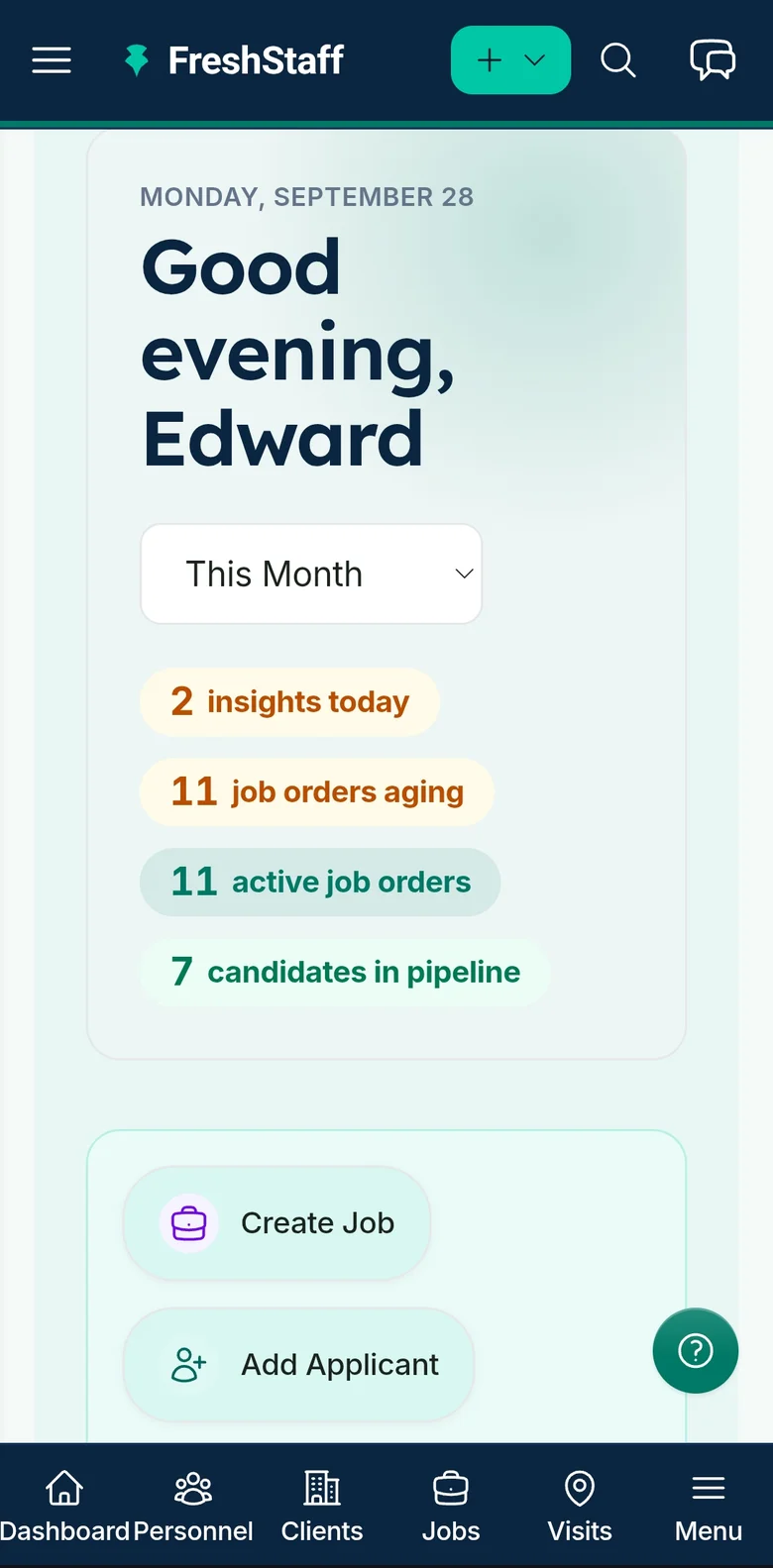
FreshStaff on mobile: the dashboard's quick actions and navigation on a phone-sized screen.

Copilot & Automation, One Capability at a Time

The 5 screens above are the daily view. Here's what's actually running underneath it.

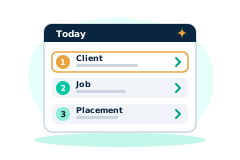
FreshStaff illustration: a ranked list of priorities with the top item highlighted, styled for the marketing site, not an actual screenshot.

Copilot Priorities

One ranked list of what actually needs attention today, with a plain reason for every item.

  • Ranks clients, jobs, and placements by real risk signals already tracked in FreshStaff
  • Every item carries a plain-language reason, not just a score
  • No separate model or setup screen, refreshed from live data on open
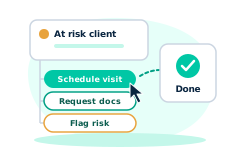
FreshStaff illustration: a priority card with a one-click action button and a confirmed checkmark, styled for the marketing site, not an actual screenshot.

Copilot Actions

One-click actions attached to every Copilot priority, no separate screen required.

  • Act directly on a priority item without leaving the list
  • Confirmed status feedback the moment an action runs
  • Built directly on top of the same ranked priority list
FreshStaff illustration: a chat bubble with a typing indicator, styled for the marketing site, not an actual screenshot.

Copilot Conversations

Ask Copilot in plain language and get a real answer from your own data.

  • Plain-language questions answered from your own company's live data
  • Routes automatically to full Copilot Chat for a deeper follow-up
  • No separate reporting tool or saved-query setup required
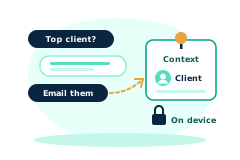
FreshStaff illustration: two linked context cards with a memory ring connecting them, styled for the marketing site, not an actual screenshot.

Copilot Memory

Copilot remembers what you were just looking at, so follow-ups just work.

  • Keeps the record you were just viewing in context
  • Follow-up questions don't need to repeat the client, job, or placement
  • Context resets cleanly when you move on to something new
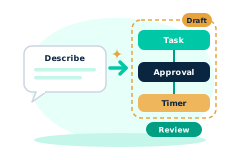
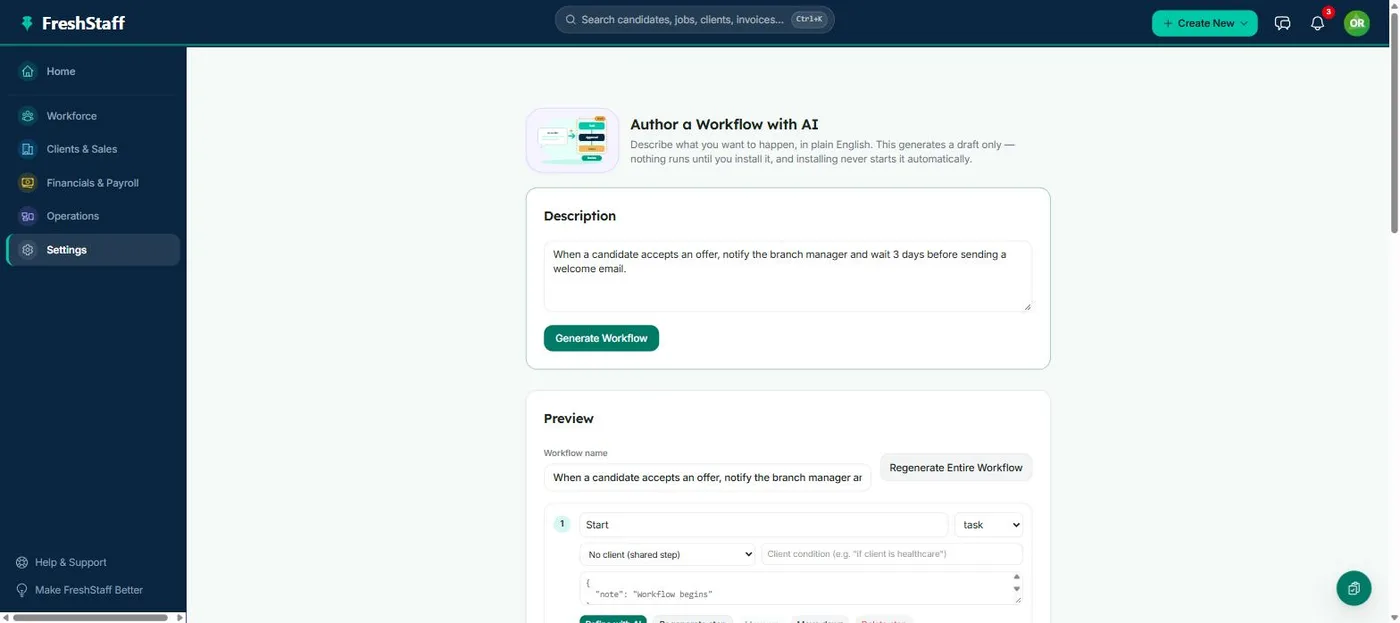
FreshStaff Copilot Workflow Builder: describing a workflow in plain language.

Copilot Workflow Builder

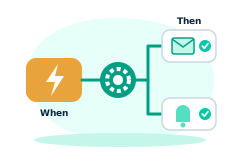
Describe a workflow in plain language and Copilot drafts the steps.

  • Turns a typed instruction into a concrete, reviewable set of steps
  • Nothing runs until the drafted workflow is confirmed
  • No separate automation-rule builder to learn first
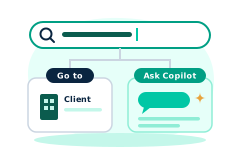
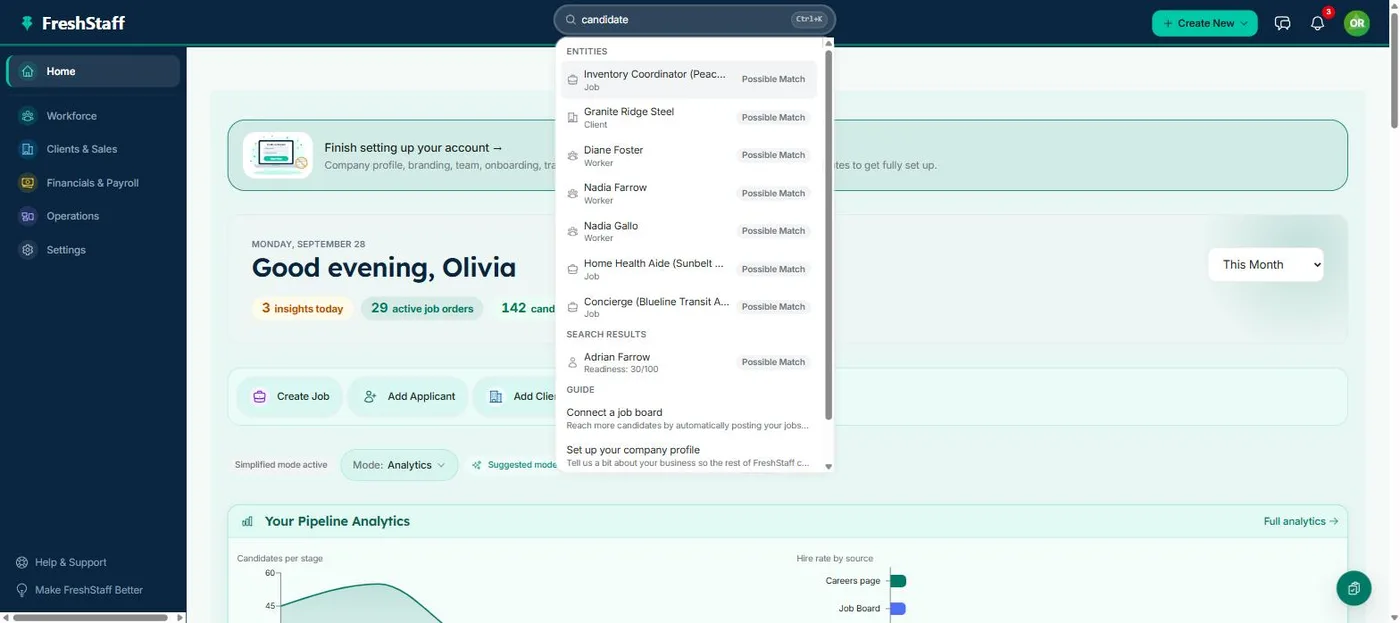
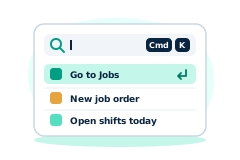
FreshStaff Smart Command Bar: the ⌘K overlay showing navigation, entities, and Copilot guide prompts.

Smart Command Bar

One input for navigation, search, and natural-language questions to Copilot.

  • ⌘K from anywhere in the app, no menu hunting
  • Jumps straight to a client, job, or placement by name
  • Routes a real question straight to Copilot Chat automatically
FreshStaff Copilot Voice Input: the microphone control in its idle state.

Copilot Voice Input

Speak a command to Copilot instead of typing it.

  • Works with both the Command Bar and Copilot Chat
  • Hands-free for a recruiter moving between calls
  • Transcribed input, same routing as a typed command
FreshStaff illustration: a language toggle switching between EN and ES on a kiosk intake screen, styled for the marketing site, not an actual screenshot.

Kiosk Spanish Onboarding

A walk-in applicant chooses English or Spanish before anything else, right on the kiosk.

  • Client-side language toggle on both the front-desk kiosk and the onboarding wizard
  • Deterministic, reviewed translations, not machine translation on the fly
  • Everything the applicant types is still captured and stored exactly as entered, in either language
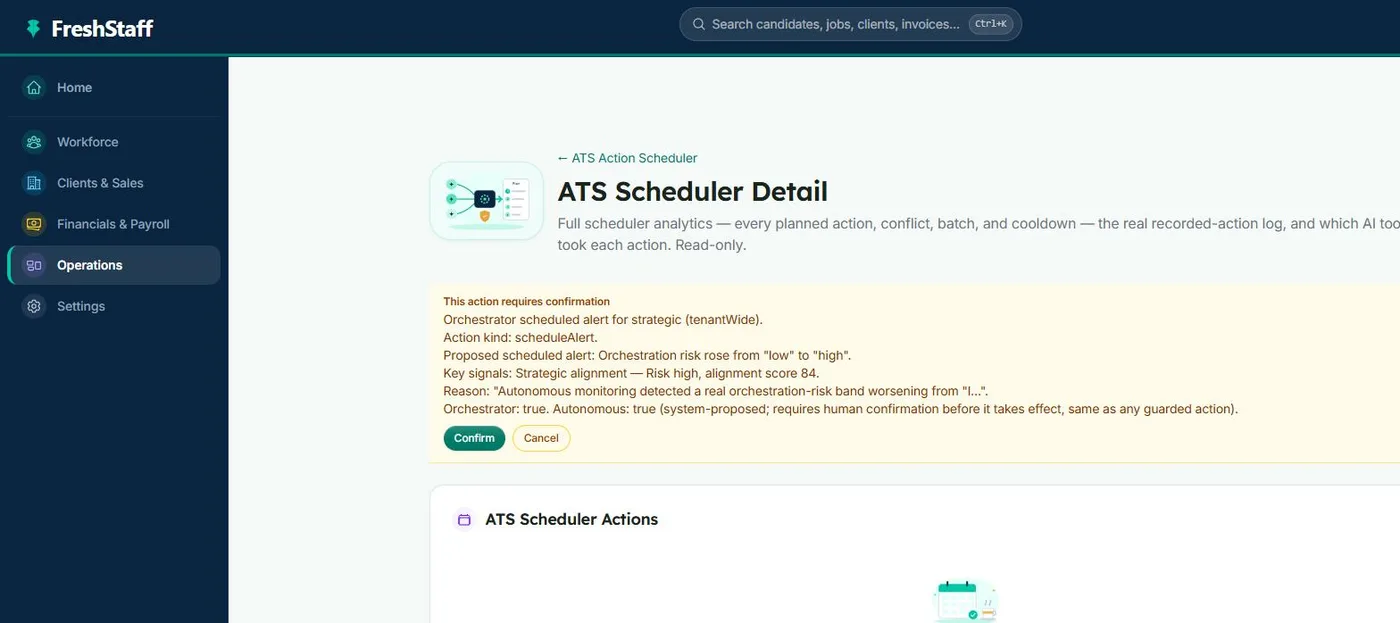
FreshStaff ATS Intelligence: the Autonomous ATS Action Scheduler summary.

ATS Intelligence

Software that watches your ATS around the clock, catches problems automatically, and fixes them within limits you set.

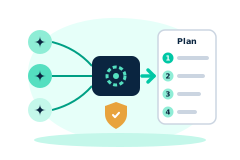
  • Combines suggestions from every AI feature into one clear plan, without contradictions
  • A complete, tamper-proof, timestamped record of every automatic action taken
  • Catches when something's not working right and suggests a safe fix, within limits you set
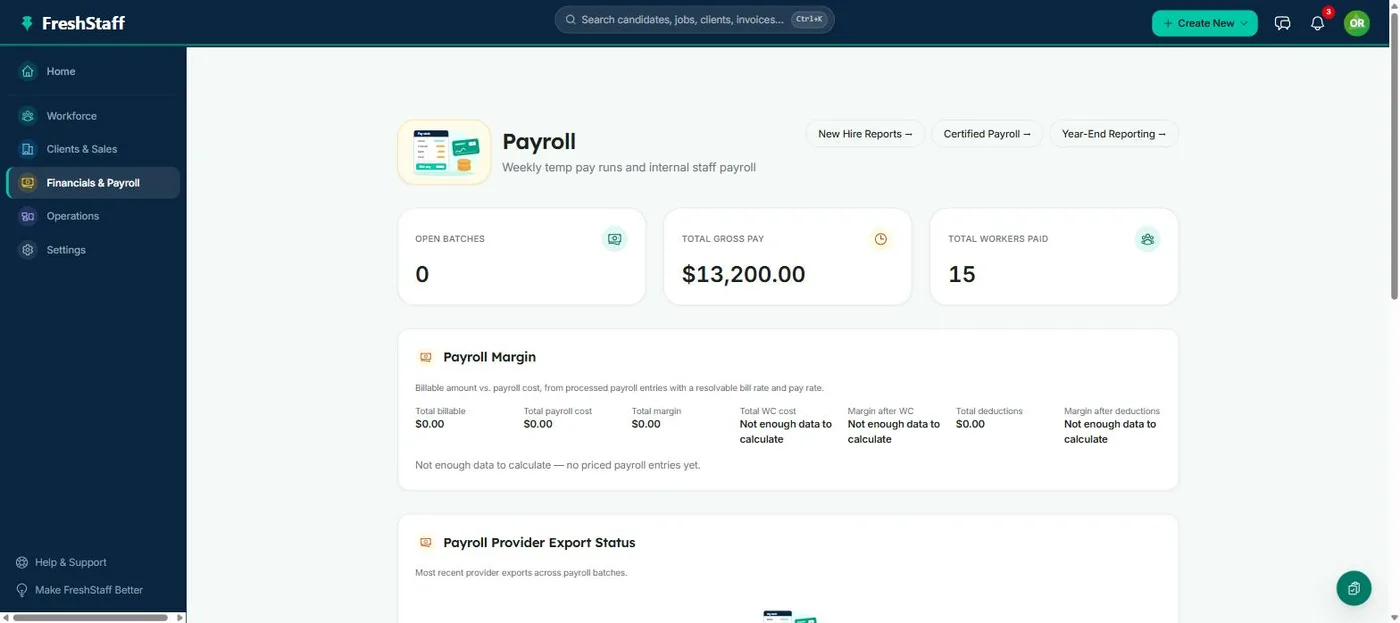
FreshStaff Payroll: the overview screen showing open batches and the payroll calendar.

In-House Payroll Check Printing

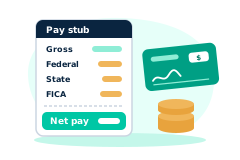
Print physical payroll checks in-house, straight from an approved pay run.

  • Meets standard bank check-printing requirements
  • Drawn against the employer's own configured bank account
  • Runs directly out of the same closed-loop payroll engine, no third-party check service
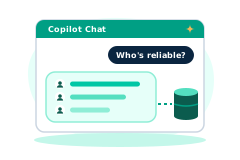
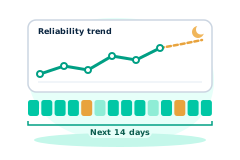
FreshStaff illustration: reliability and availability stat cards feeding into a Copilot priorities hub, styled for the marketing site, not an actual screenshot.

Reliability & Availability Intelligence

Persistent reliability trend history and 14-day availability forecasting, computed nightly and fed straight into Copilot.

  • A scheduled job snapshots every worker's reliability and forecasts 14 days of availability, every night
  • Copilot flags reliability drops and forecasted shortages automatically, as priorities
  • Three built-in actions: Replace Worker, Adjust Schedule, and Alert Manager, all audit-logged
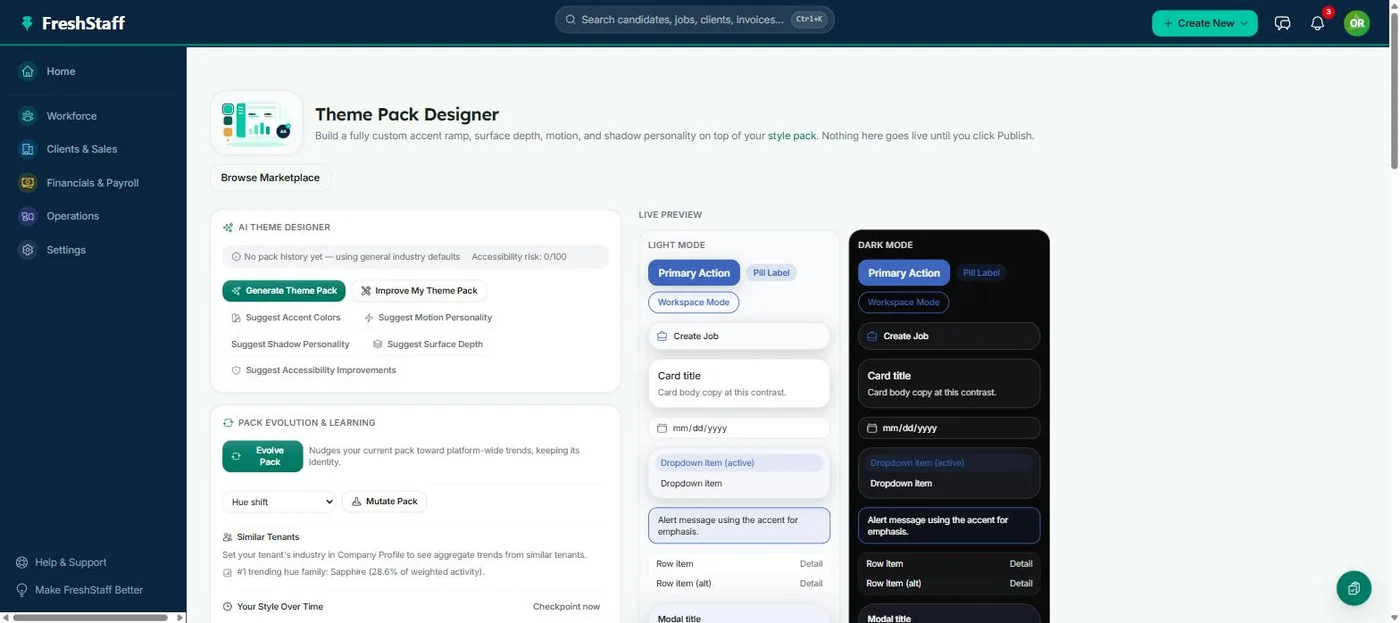
FreshStaff AI Theme Designer: live light/dark preview beside the generator panel.

AI Theme Designer

Generate or hand-edit a fully branded dashboard theme, with live preview and automatic contrast checking.

  • Set colors by hand or generate a full pack from one starting color
  • Every color pair is checked for readability/contrast before publish, with suggested fixes
  • Versioned publish history, one click from a rollback if a change doesn't work out
FreshStaff Theme Pack Marketplace: trending and official packs with ratings.

Theme Pack Marketplace

Official and community theme packs, rated, trending, and one click from installed.

  • Browse official packs plus packs other agencies have chosen to publish
  • Every install runs the same safety check the Designer runs before publish
  • Per-pack analytics: install counts, rating distribution, and full version history
FreshStaff AI Brand Evolution: the Pack Evolution & Learning panel.

AI Brand Evolution

Evolve your theme toward a trend, mutate one dimension on purpose, or merge two packs, with full lineage.

  • 8 ways to tweak your theme, from color and motion to an accessibility-first pass
  • Merge two packs into one with an AI-generated, plain-language summary of what changed
  • Every generated pack keeps a full parent + version lineage, never a black box