
Copilot Workflow Builder
Type what you want to happen, like "create a workflow for onboarding a forklift operator," and Copilot drafts a named sequence of steps automatically, ready for you to review, adjust, and save in the Workflow Builder.
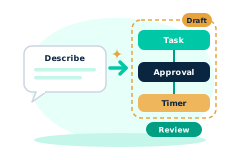
Building a workflow from a blank canvas is the single biggest reason a useful automation never gets built. It's not that the steps are hard to imagine, it's that turning them into a formal step by step structure takes time nobody has between everything else on their plate. Copilot Workflow Builder skips that blank page step entirely. Describe the outcome, and get a real draft to start from.
Why staffing teams need it
Every branch has its own version of "how we onboard a forklift operator" or "how we set up a new client," a real, repeatable process that mostly lives in someone's head or a scattered checklist, never actually built as a workflow because building one from scratch felt like its own project.
The gap isn't imagination. A manager can describe their own process fluently out loud. It's the mechanical work of turning that description into named, ordered, typed steps a workflow tool understands. Removing that translation step is what actually gets more of a branch's real process automated instead of staying tribal knowledge.
How FreshStaff builds it
Copilot recognizes a workflow creation request ("create a workflow for...", "build a workflow for...", "draft a workflow for...") right inside Copilot Conversations, and generates a draft using FreshStaff's existing workflow building blocks, the same task, approval, and timer step types the Workflow Builder already supports, matched against a small set of common staffing templates (onboarding, client setup, timecard compliance) or a sensible default sequence when nothing more specific matches.
The draft is never auto-saved. It sits in your browser until you choose "Open in Workflow Builder," which hands it to the real authoring page pre-filled, exactly as if you'd built it there by hand. Nothing gets written to the database until you review it and save it yourself.
How It Works
- 1
In Copilot Chat, describe the workflow you want in plain language, like "create a workflow for onboarding a forklift operator."
- 2
Copilot returns a named draft with an ordered list of steps, each typed as a task, approval, or timer.
- 3
Review the draft right in the chat, then click "Open in Workflow Builder" to hand it off, pre-filled, into the real authoring page.
- 4
Adjust anything you like and save it. Nothing exists as a real workflow until you do.
Why It Matters
Removing the blank page problem is what actually gets more of a branch's real, repeatable process turned into an automated workflow instead of staying informal.
Because the draft is temporary until saved and built from the same building blocks the Workflow Builder already supports, there's no new format to learn and no risk of something half-finished going live by accident.
In the product
Copilot Workflow Builder in FreshStaff
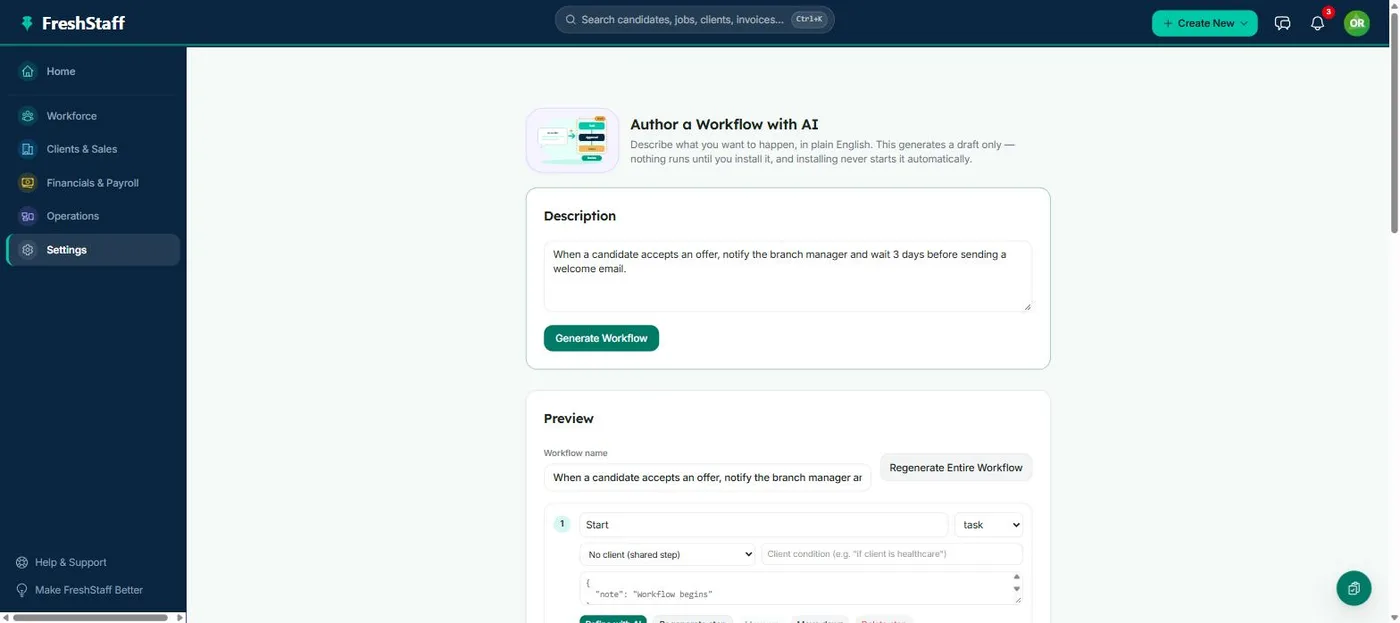
More of Copilot Workflow Builder
How Copilot Workflow Builder Compares
| Capability | FreshStaff | Legacy ATS | Manual Processes |
|---|---|---|---|
| Starting a new workflow | Draft generated from a description | Blank canvas only | Blank canvas only |
| Step types used | Existing task, approval, and timer building blocks | N/A | N/A |
| Auto-saved before review | Never, held in your browser until saved | N/A | N/A |
| Common templates recognized | Onboarding, client setup, compliance, and more | Not available | N/A |
Keep Exploring
All 29 features →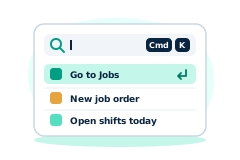
Universal Command Center
A Cmd+K command bar for instant navigation, one-step actions, and quick status queries.
Learn more →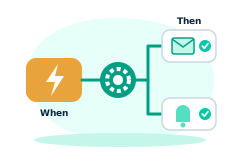
Automation
Rules-based automation across recruiting and onboarding.
Learn more →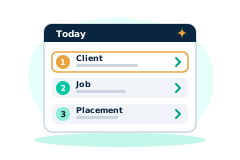
Copilot Priorities
A ranked daily list of what needs attention across clients, jobs, and placements.
Learn more →