Admin HQ
One place for owners and administrators to manage users, permissions, system health, and a full audit trail. Tenant-wide oversight without digging through five different screens.
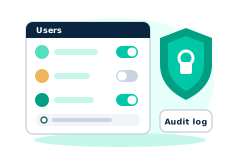
In short
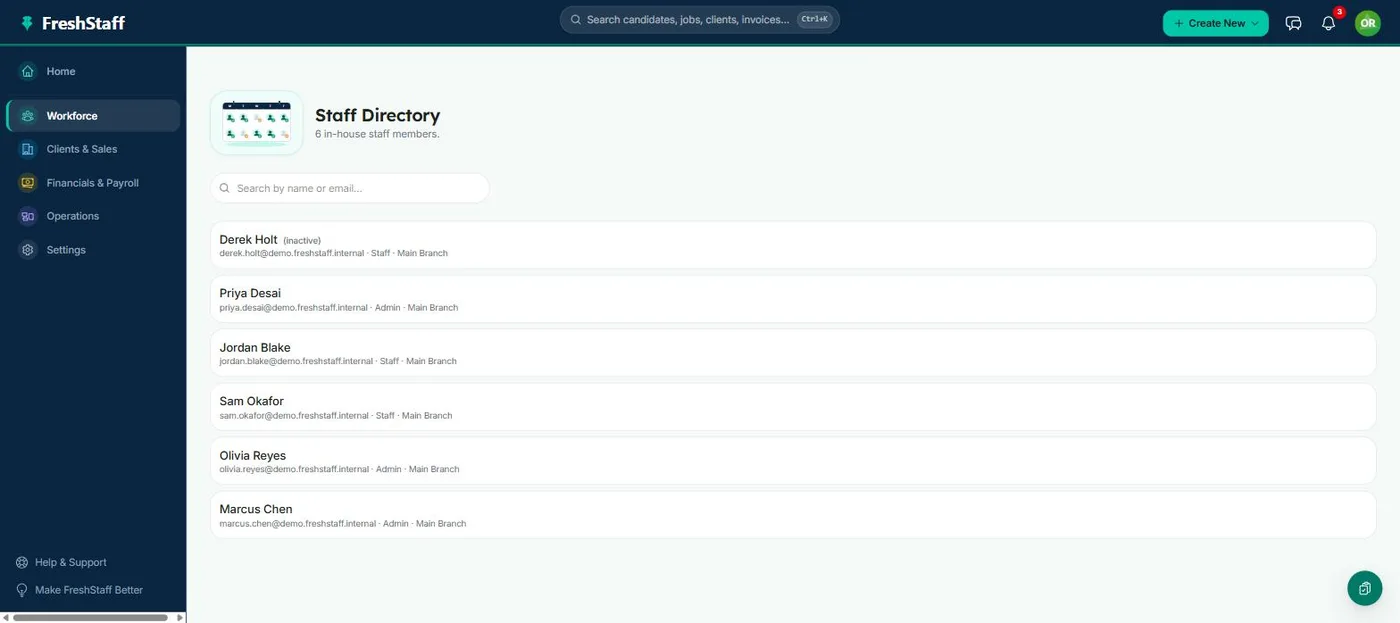
FreshStaff Admin HQ gives owners and administrators one place to manage users, set up permission groups, check system health, and review a full audit trail.
As a staffing agency grows past a handful of staff, access control and oversight stop being optional. Admin HQ is your company-wide control center. Who has an account, what each person can access, whether the platform itself is healthy, and a complete record of who did what and when. It's the one screen an owner or administrator checks to get a real, current answer to any of those questions.
Why staffing teams need it
A growing agency needs to onboard new staff, offboard the ones who leave, and be confident that a former recruiter's account can't still touch client data. Without one central admin view, that oversight is scattered across whatever screen happens to show user data, and nobody has a single place to check.
It becomes a real liability the moment an agency operates across multiple branches. Different managers hiring and losing staff at different times means access control has to live somewhere central, or it just doesn't happen consistently across the organization.
How it works
Admin HQ brings user management (create, deactivate, and assign staff to permission groups), a permissions matrix (exactly which actions each group can take), system health (a company-wide status view), and audit logs (every meaningful action, tied to a user and a timestamp) into one place. Deactivating a user is immediate. A suspended account simply can't log in, full stop.
Permission groups are defined per company instead of fixed by FreshStaff, so an agency can shape access around its own org chart. A branch coordinator role, a compliance-only reviewer, a full admin, whatever fits, instead of squeezing your structure into someone else's predefined roles.
How it compares to old school ATS tools
Older platforms often bolt permissions onto a handful of fixed roles that don't map cleanly to how a real agency is organized, and audit trails, if they exist at all, are usually incomplete. FreshStaff's permission groups are fully customizable for each company, and the audit log covers real actions across the platform, not just login events.
A fixed-role system also tends to force an uncomfortable choice. Give someone more access than they need because the next role down doesn't cover their job, or leave them locked out of something they legitimately need. Custom permission groups remove that trade-off entirely.
Speed, accuracy, and compliance
Immediate deactivation closes the biggest access risk in any growing organization: a departed employee's account staying active. A complete audit log also turns a compliance question, like who changed this candidate's status and when, from a guessing game into a two-second lookup.
That two-second lookup matters more than it sounds like it should. A client dispute or an internal disagreement about who approved what gets resolved instantly with a real audit trail, instead of turning into a drawn out argument with no record to settle it.
How it connects to the rest of FreshStaff
Permission groups set up in Admin HQ gate access across every other module. Candidates, Jobs, Clients, Billing, Automation, and more all check the same permission system. System health shows status from Integrations and background job processing. The audit log records events from across the whole platform, not just Admin HQ itself.
That single, shared permission system is what makes Admin HQ a real control center instead of one more settings page. Set up access once in Admin HQ, and it governs what a staff member can do everywhere else in FreshStaff. No separate permission model to keep in sync anywhere else.
How It Works
- 1
An admin creates a permission group with exactly the access a role needs, nothing more.
- 2
New staff get added and assigned to the right permission group.
- 3
When staff leave, their account is deactivated immediately, cutting off access without deleting their history.
- 4
The admin checks system health for any integration or background job that needs attention.
- 5
Any question about who did what gets answered straight from the audit log.
Why It Matters
Access control isn't a nice to have once an agency has more than a couple of staff. It's the difference between a departed employee's account closing the same day versus staying open for months because nobody remembered to check. Admin HQ makes that a two-click action instead of a forgotten one.
A complete audit trail protects a staffing agency when a client, auditor, or former employee asks a pointed question about what happened and when. Having a real answer instead of a shrug is worth more than the feature costs to build.
Admin HQ in FreshStaff
How Admin HQ Compares
| Capability | FreshStaff | Legacy ATS | Manual Processes |
|---|---|---|---|
| Permission granularity | Fully custom per group | Fixed roles | Informal, undocumented |
| Deactivation | Immediate | Delayed or manual | Often forgotten |
| Audit trail completeness | Platform-wide | Login events only | None |
| System health visibility | Tenant-wide dashboard | Vendor support ticket | None |
Explore More Features
Client Intelligence Hub
GPS auto-capture, territory heatmaps, route planning, and an AI sales assistant for field reps.
Universal Command Center
A Cmd+K command bar for instant navigation, one-step actions, and quick status queries.
Native Payroll & Compliance Engine
Federal/state withholding, FICA, SUTA/FUTA, ACA offer and safe-harbor codes, and 1095-C generation, built in.
Territory Intelligence
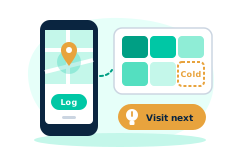
Heatmaps, category layers, clustering, and shared-building grouping on a live territory map.
AI Visit Planning
Scores nearby clients and builds an optimized route from your current location.
Daily Route Auto-Generator
One click, no setup. Today's route, GPS based, with today's visits already excluded.
Category-Based Routing
Restrict a route to just Healthcare, Industrial, or Professional Services leads.
Lead Scoring Engine
Ranks nearby companies by category, confidence, proximity, and shared-building context.
Route Optimization
Free, offline route reordering. Haversine distance and 2-opt, no routing API.
Onboarding
Guided digital onboarding from offer to first shift.
Automation
Rules-based automation across recruiting and onboarding.
Analytics
Real-time dashboards for fill rate, compliance, and velocity.
Migration Engine
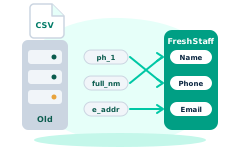
Guided, field-mapped migration off legacy ATS platforms.
Integrations
Connected payroll, background check, and timekeeping providers.
Packet Builder
Reusable document packets for every placement type.
Document Builder
Upload, map, and publish fillable onboarding documents.
Compliance
I-9, W-4, and E-Verify tracking that stays audit-ready.
Client Portal
Client-facing job orders, approvals, and placement visibility.
Kiosk Mode
Walk-in applicant intake on a shared front-desk device.
System Health
Job runner, queue, and error visibility for system admins.
Copilot Priorities
A ranked daily list of what needs attention across clients, jobs, and placements.
Copilot Actions
One-click actions attached to every Copilot priority. No separate screen required.
Copilot Conversations
Ask Copilot in plain language and get a real answer from your own data.
Copilot Memory
Copilot remembers what you were just looking at, so follow-ups just work.
Copilot Workflow Builder
Describe a workflow in plain language and Copilot drafts the steps.
Smart Command Bar
One command bar for navigation, search, and natural-language questions.
Copilot Voice Input
Speak a command to Copilot instead of typing it.
ATS Intelligence
Watches your ATS around the clock, catches problems automatically, and fixes them within limits you set.
Reliability & Availability Intelligence
Persistent reliability trend history and 14-day availability forecasting, computed nightly and fed straight into Copilot.
Worker Reliability
A weighted attendance-risk score for every worker, computed from real placement history.
Worker Availability
See which workers are actually free today before you ever open a job order.
Compliance & Onboarding Packets
Reusable document packets, I-9/W-4 tracking, and client-specific onboarding rules.
Safety & Job-Site Readiness
Digital safety inspections and job equipment tracking, gated before dispatch.
Training & Credential Tracking
A built-in candidate LMS and credential repository, tracked to expiration.
Sales Visit & CRM Intelligence
GPS-logged sales visits and Google Places business auto-enrichment.
Client Credit Management
Real-time client credit limits, applications, and exposure alerts.
Time Tracking & Workforce Hours
Mobile time entry and approval workflows that flow into native payroll.
AI Theme Designer
Generate, edit, and preview a fully branded dashboard theme, with built-in AA contrast checking.
Theme Pack Marketplace
Install official and community theme packs, rated and curated, with one-click rollback.
AI Brand Evolution
Evolve, mutate, and merge your theme pack over time, with full version history and style trends from other agencies.